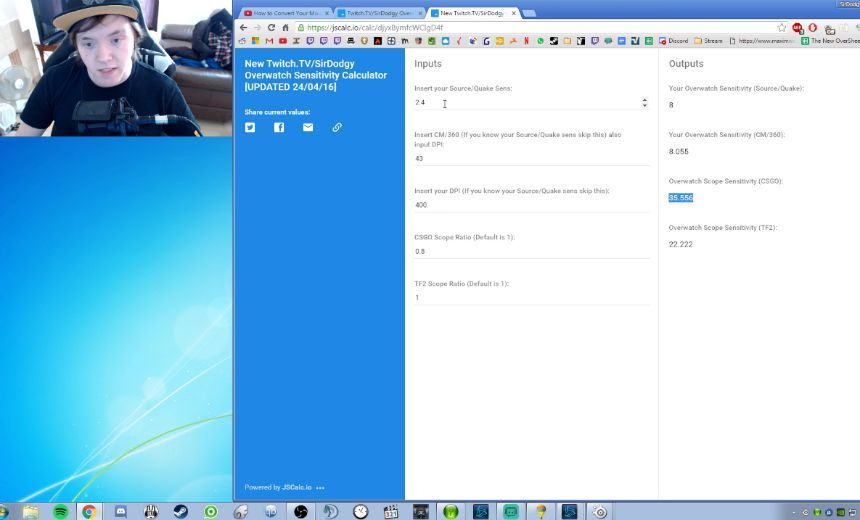
Always on the lookout for helpful tips, today we shine our spotlight on SirDodgy and his sensitivity calculator. This will no doubt help people feel more comfortable in Overwatch when switching over from other shooters.
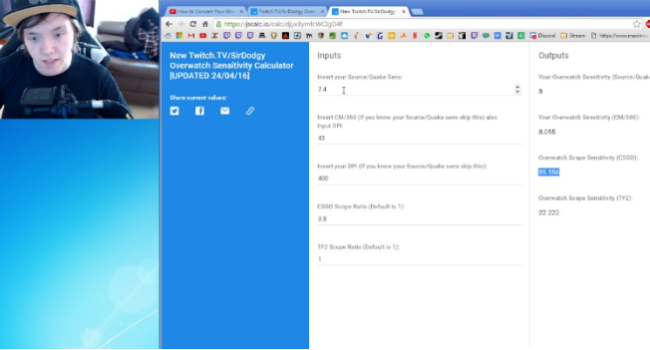
The Overwatch open beta is well under way and some new players may be having trouble converting their sensitivity from another game, but fear not! SirDodgy has made a helpful guide and calculator to help you get just the right sensitivity. The calculator is designed to take your Quake, CS or TF2 sensitivities and translate them into an appropriate Overwatch setting.
The calculator also includes options for CM/360 and scoped ratios. The scoped ratio calculator was particularly helpful for me, as an AWP main from CS, playing Widowmaker in this game felt like aiming through molasses until I found the right scoped ratio. Turns out sometimes you can blame something other than your own skill!
For more competitive Overwatch news and features, follow us on @GosuOverwatch.