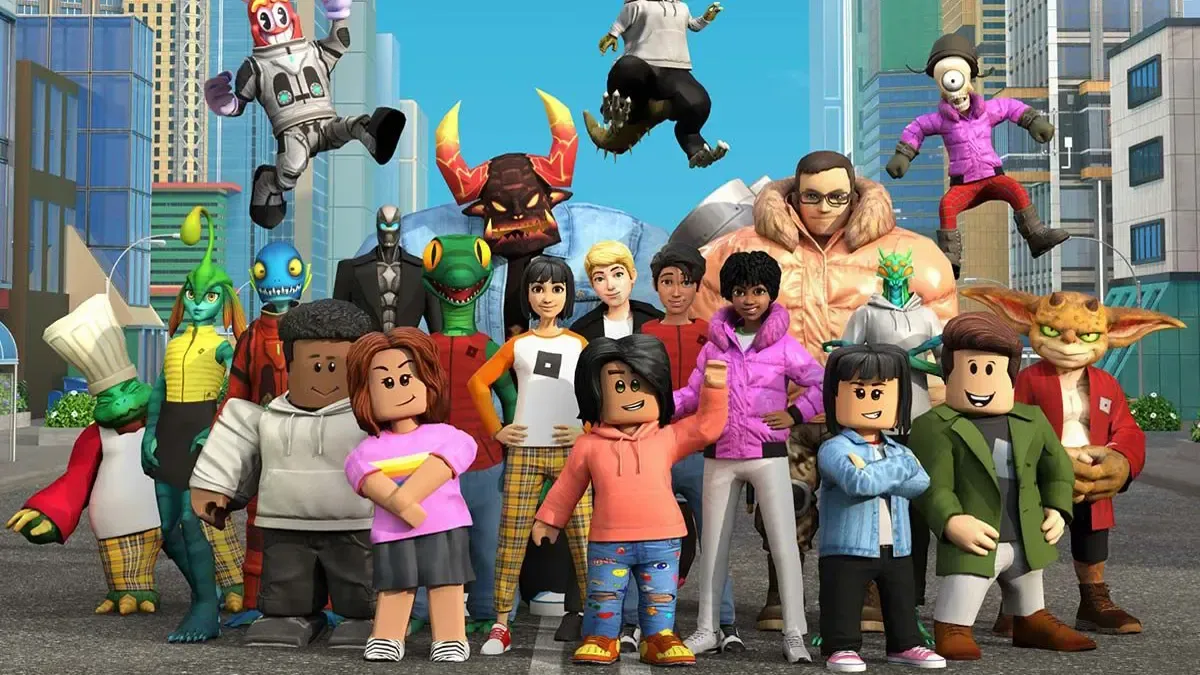
Roblox's Shop will allow players to discover and purchase in-game content directly through a universal button.
Roblox has announced Shop, a new platform-wide feature set to launch on 7 July. As the name suggests, Shop will enable players to browse and purchase in-game items such as cosmetics and game passes from a central hub, making it easier to discover content across the platform.
The Shop will offer personalised recommendations–likely based on each player's interests and activity on the platform. It will feature tabs including Top Picks, Categories, Search, and Robux to help users navigate available content more efficiently.
Approaching the launch, Roblox is encouraging developers to explore the feature and provide feedback. Developers can already organise item listings, customise categories, and preview their Shop through Creator Hub before it goes live.
The platform believes that the feature could improve item discovery and increase conversions by surfacing products to a broader audience. However, participation in Shop is entirely optional. Developers are allowed to continue using their own storefronts or choose to market items exclusively within their experiences.
What is Roblox's Shop?
Roblox's Shop feature, a central hub for in-game shopping on the platform, will be accessible using a universal button positioned in the top-left corner of the screen, which is always visible regardless of which game a player is currently in.
The feature uses Roblox's Product Intelligence APIs, a new API introduced last year, to personalise recommendations in the Shop. The system had helped increase annual Robux earnings for Steal A Brainrot by 5%, as stated in the Roblox forum.
To generate recommendations, Roblox combines platform-wide player behaviour with data from individual experiences, then ranks and surfaces the most relevant items for each user.
The Shop will include several browsing tabs. The Top Picks category contains the personalised suggestions, meanwhile Categories will be a neater assortment that still applies relevant recommendations. There will be a Robux tab as well, which suggests Robux packages bundled with your items. The default Home category summarises all the other tabs.
Watch the Roblox Shop demonstration below:
How to manage Shops in Roblox
For developers looking to customise their Shop presence, Roblox has outlined several management tools available through Creator Hub. Developers can review how items will appear in Shop, preview the interface in Roblox Studio, and make updates at any time.
When Shop is enabled, Roblox automatically creates a default assortment of items. Developers can then edit category names, move items between categories, and adjust listing visibility.
While customisation options are currently limited, Roblox promises that additional features are planned. Future updates will include greater visual customisation, the ability to better integrate the Shop button into a game’s design, a pinning system, and other improvements.