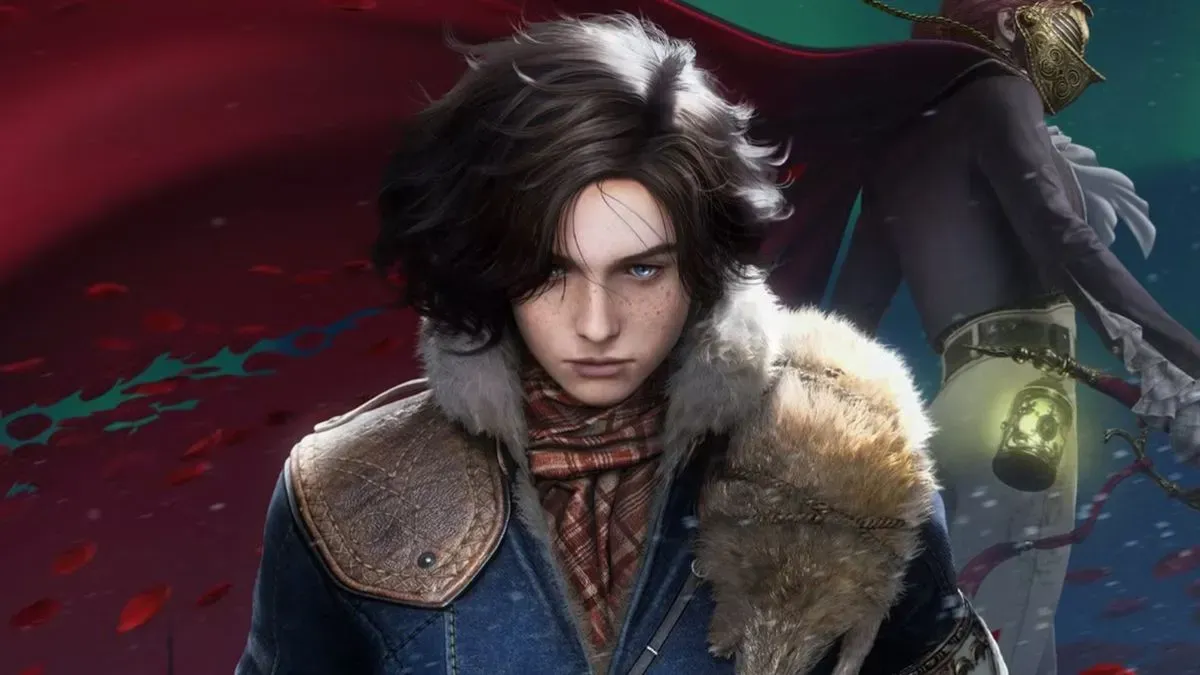
Now you can explore Pywel in style.
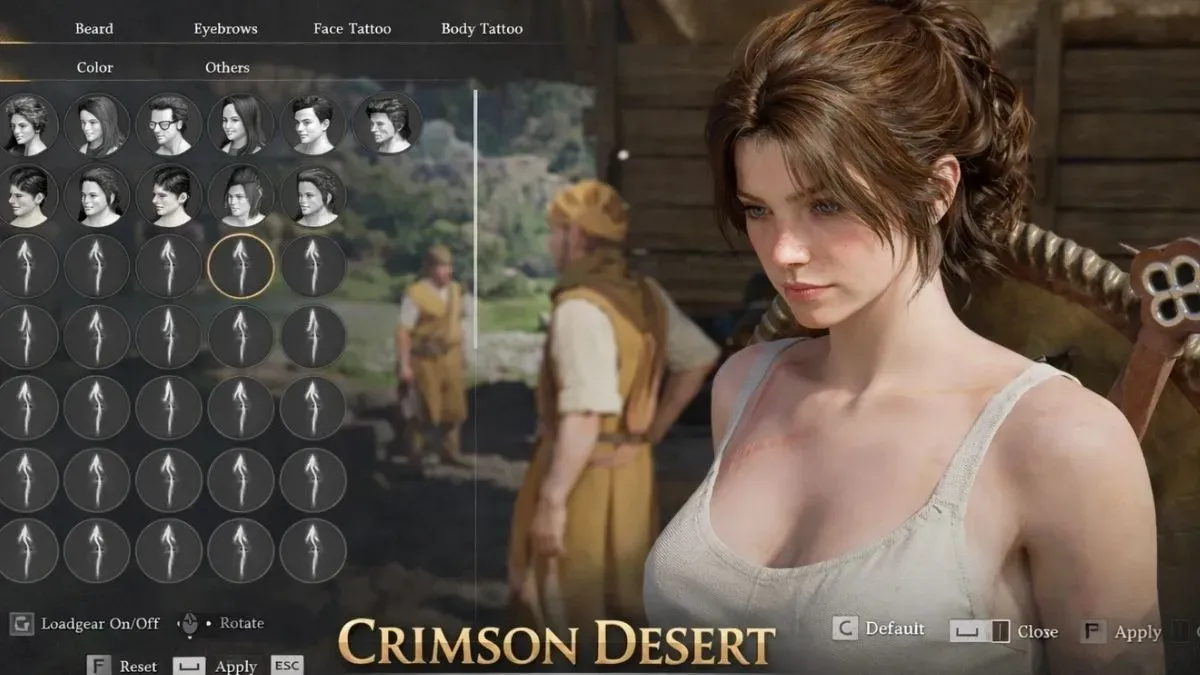
Heads up, citizens of Pywel–a massive character customisation mod has just dropped, offering hundreds of face presets and hairstyles, with even more on the way.
Crimson Desert
Release Date: 19 March, 2026
Platforms: PlayStation 5, PlayStation 5 Pro, Xbox Series X/S, and PC (via Steam, Epic Games Store, and PC/Mac)
Developer: Pearl Abyss
Crimson Desert has been widely praised for many aspects, including its vast open world and massive, creative combat–but character customisation is not one of its strengths.
Players have criticised the limited options available, with very few hairstyles, facial hair choices, and tattoos to select from. While one could argue that Pearl Abyss has kept customisation restricted to better align the protagonist with the story, many players simply want more freedom to personalise their character.
Although Pearl Abyss has not directly addressed these concerns or revealed any plans to expand customisation, players have turned to modding as a way to stand out in-game.
Where to find Crimson Desert's new character creator mod
A character creator mod, available via Nexus Mods, introduces 98 face presets and 159 hairstyles to choose from. At present, it is only available for the female human preset, though the modder has stated that support for a male preset is planned for a future release.
Players can visit a Barber Shop in-game to begin customising their character. Currently, face presets are located under the “Beards” tab, though this is a temporary arrangement according to the mod description.
The mod already offers extensive options, with more features planned, including detailed facial customisation (such as eyebrows, eye colour, and eyeliner), customisable races like orcs and goblins, and female animations to replace Kliff’s default movements. Additional armour variety and updated icons for hairstyles and face presets are also in development.
How to install the character creator mod
Before getting to customisation, players will need the JSON Mod Manager and the Kliff Female Voice mod to match the character’s voice to the female preset.
To install the Character Creator Mod:
- Download the JSON Mod Manager.
- Extract the “CharacterCreator” folder into the mods folder within the JSON Mod Manager directory.
- Enable the main module, followed by the armour module, within the mod manager.
- Ensure the CharacterCreator folder is placed above the armour module.
- Click “Apply Mods” and launch the game.
We suggest reading more detailed instructions in the description of the official mod page for a smooth installation process.